WLAN-QR-Code erstellen (ohne App-Anmeldung)
Gast-WLAN teilen, ohne das Passwort laut zu buchstabieren. Netzwerkdetails in einen statischen QR kodieren, den Sie drucken oder an die Tür kleben können.
Dieser Guide ist auf Englisch verfasst. Titel und Kurztext oben sind lokalisiert.
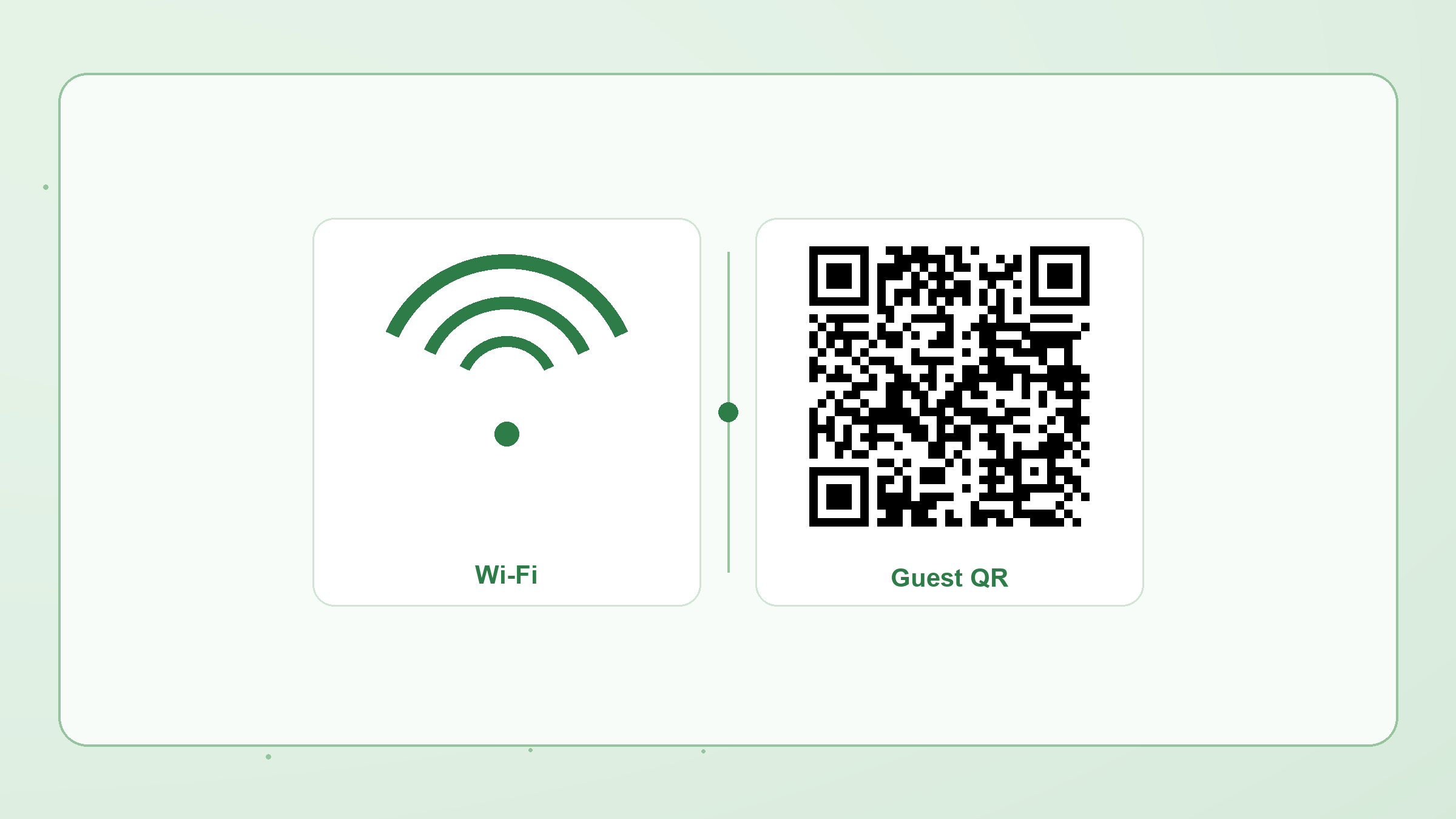
A Wi‑Fi QR code stores your network name, security type, and password in the QR payload itself. Guests scan once and join — no typing, no cloud account, and no hosted redirect that can expire.
What you need
- Network name (SSID)
- Password (unless the network is open)
- Security: usually WPA/WPA2; choose WEP only for legacy gear; use “nopass” for open networks
Steps in Make a QR
- Open the Create page and choose WIFI.
- Enter SSID and password. Mark the network hidden if your router hides the SSID.
- Pick colors or a module shape if you want the code on-brand — keep the background light so phones can scan it.
- Download PNG for print or SVG for design tools. Optionally Save to history on this device.
Print tips
- Size the code at least ~2–3 cm on the shortest side for desk stickers.
- Avoid busy photo backgrounds behind the modules.
- Test with two phone brands before laminating a batch.
Need many codes for venues? Use Bulk CSV → ZIP — still processed in the browser.