15 idées créatives de cartes cadeaux QR pour chaque occasion
Transformez une simple carte ou étiquette en vidéo, playlist, album photo ou chasse au trésor. Quinze idées avec des liens ordinaires et un QR statique gratuit.
Ce guide est rédigé en anglais. Le titre et le résumé ci-dessus sont localisés.
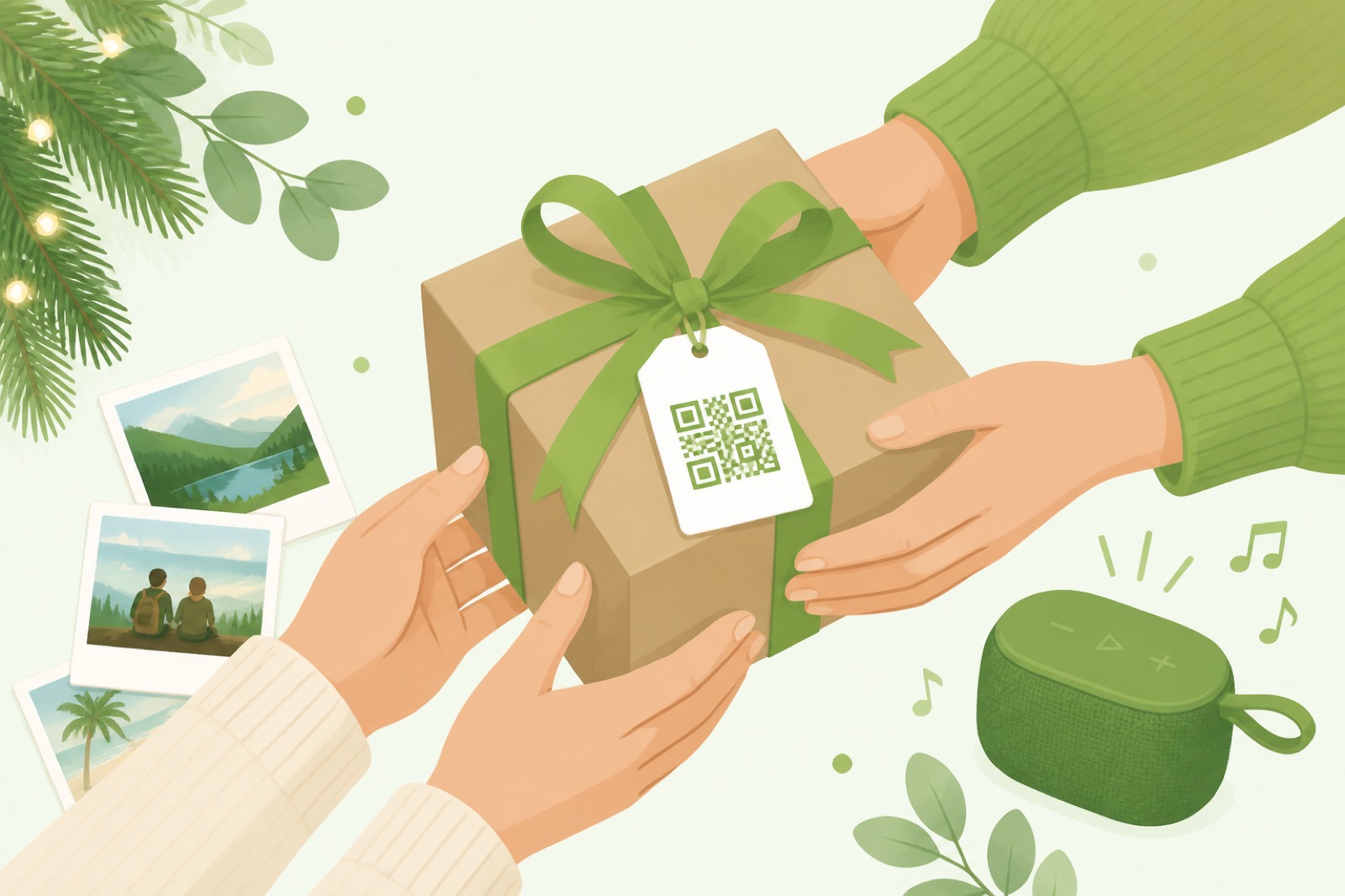
Some gifts are useful. Others are memorable. A QR gift card can be both: a physical tag, sticker, or note that opens a video, playlist, album, or surprise you prepared online.
Below are fifteen ideas grouped for everyday, milestone, and experience gifts—plus a short create-and-print workflow on Make a QR. Everything here assumes a normal HTTPS link you control (YouTube unlisted, Spotify share URL, Google Photos link, and so on). The code you download encodes that link into the pattern; if you later move the file to a brand-new URL, print a fresh code or keep a redirect on a domain you own.
What counts as a QR gift card?
It is any scannable code living on a card, ornament, keychain, bottle tag, or wrapping that reveals digital content. Guests use the phone camera—no special app required on modern iOS and Android.
Popular destinations include private videos, music playlists, photo albums, retailer e-gift pages, voice notes, maps for a scavenger hunt, and simple “open when…” messages.
Personal and everyday ideas
1. Video message card
Record a short “reasons I love you” clip, upload unlisted to YouTube or Drive, encode the link, print on a handmade card. Test before you wrap.
2. Spotify (or Apple Music) playlist
Build a soundtrack for an anniversary or road trip. Paste the share link into Create → URL, style the code, and mount it in a frame beside a photo.
3. Digital photo album
Fill a Google Photos / shared album and print the QR on a birthday card so relatives can browse decades of pictures without a USB stick.
4. “Open when…” envelopes
Several envelopes, each with its own QR to a different video or note (“open when you miss home”). One code per envelope keeps the surprise intact.
5. Voice-note keychain
Host an audio file, encode the link, engrave or UV-print the QR onto wood or acrylic. Small codes need high contrast and a careful print test.
Occasion-specific ideas
6. Birthday reveal
Link to a montage or a digital gift receipt page with a personal note above the fold.
7. Graduation time capsule
Album of school years + a letter you write to “future you.” Hand it with the diploma frame.
8. Wedding thank-you
After the party, send guests a QR to the shared album instead of a second mailing of prints.
9. Corporate appreciation
Team playlist, charity donation confirmation page, or a short thank-you from leadership—keep it warm, not salesy.
10. Valentine / anniversary trail
Three codes around the house, each unlocking the next clue, ending at a gift.
Experience and playful ideas
11. Scavenger hunt
Each clue page ends with the next location. Laminate outdoor codes; keep backups if weather wins.
12. Virtual experience
Link to a booked class, museum ticket wallet page, or a 360° tour you recorded.
13. Wine or pantry bottle tag
Pairing notes, a toast video, or the recipe that goes with dinner.
14. Photo-book companion
Printed book for the shelf; QR on the last page for overflow images and clips.
15. Registry or wishlist helper
For showers and housewarmings, encode the registry URL so guests skip typing long links from paper invites.
Create one on Make a QR (four steps)
- Host the content and copy a link that opens without a login wall for the recipient.
- Generate on Create with type URL (or YouTube / text as needed).
- Style lightly — brand greens, a tiny logo, module shapes are fine; keep a light background and run the scan check.
- Download PNG for cards and stickers; use SVG if a designer will place it in large print. Optional: Save to history on this device so you can reprint later.
Printing tips: at least ~1×1 in (2.5×2.5 cm) on a card; more quiet zone; test two phones; avoid low-contrast pastels.
Share safely
- Do not put banking passwords or authenticator enrollment codes into gift QRs.
- Prefer unlisted / link-limited albums over fully public posts if the content is personal.
- If you mail a code, assume strangers can scan it—write the card copy accordingly.
FAQ
Do recipients need an app?
No—stock camera apps are enough on current phones.
Can I change the surprise later?
If you keep the same public URL (edit the doc or album in place), the printed code still works. A brand-new URL needs a new code or a redirect you control.
Can I make many codes for a party favor?
Yes—prepare a CSV of links and use Bulk to pack PNGs into a ZIP on your machine.