Créer un QR code Wi‑Fi (sans inscription d’app)
Partagez le Wi‑Fi invité sans épeler le mot de passe. Encodez les détails réseau dans un QR statique à imprimer ou coller près de la porte.
Ce guide est rédigé en anglais. Le titre et le résumé ci-dessus sont localisés.
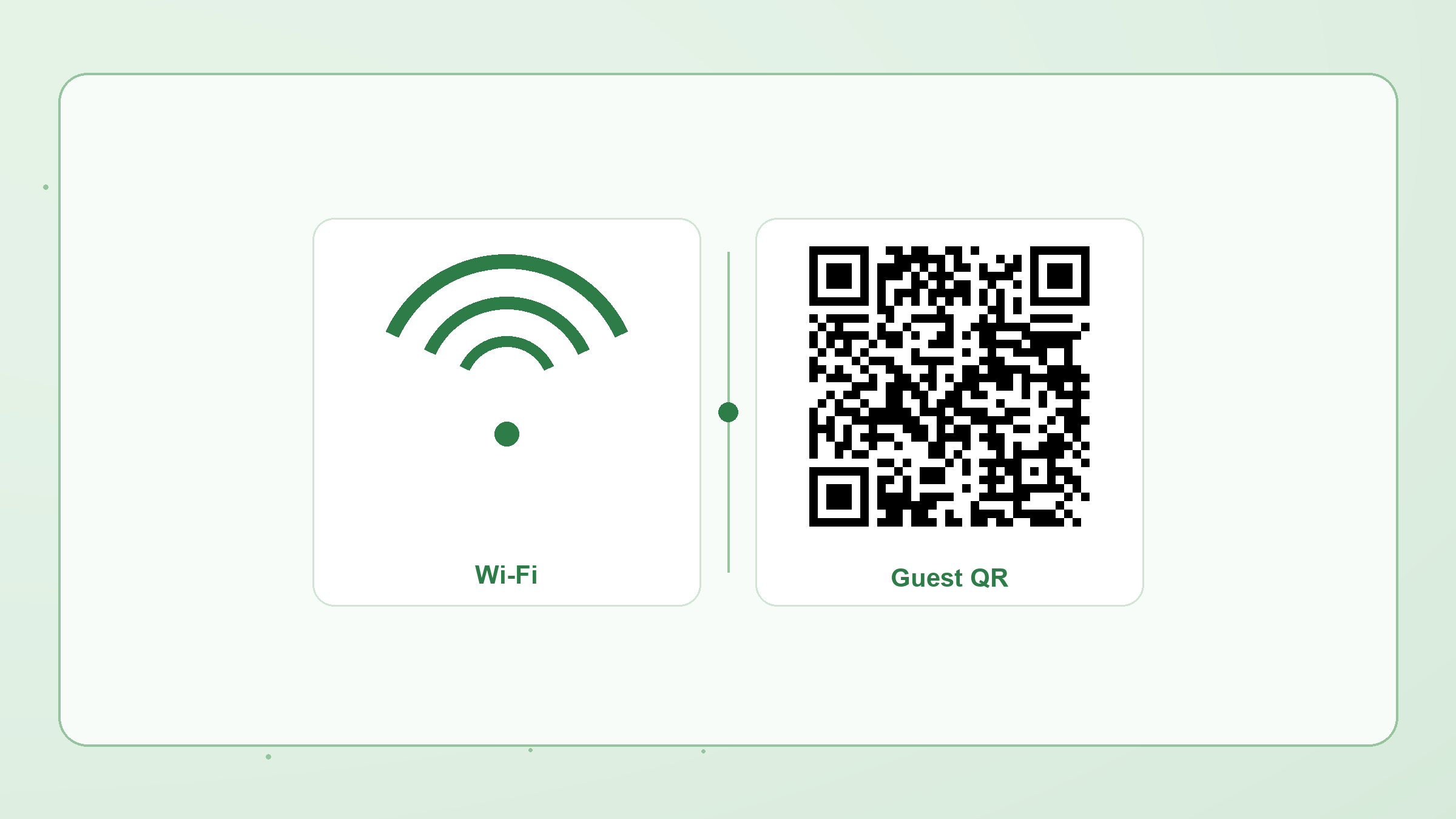
A Wi‑Fi QR code stores your network name, security type, and password in the QR payload itself. Guests scan once and join — no typing, no cloud account, and no hosted redirect that can expire.
What you need
- Network name (SSID)
- Password (unless the network is open)
- Security: usually WPA/WPA2; choose WEP only for legacy gear; use “nopass” for open networks
Steps in Make a QR
- Open the Create page and choose WIFI.
- Enter SSID and password. Mark the network hidden if your router hides the SSID.
- Pick colors or a module shape if you want the code on-brand — keep the background light so phones can scan it.
- Download PNG for print or SVG for design tools. Optionally Save to history on this device.
Print tips
- Size the code at least ~2–3 cm on the shortest side for desk stickers.
- Avoid busy photo backgrounds behind the modules.
- Test with two phone brands before laminating a batch.
Need many codes for venues? Use Bulk CSV → ZIP — still processed in the browser.