異形 QR 碼:圓點、定位點、漸層——仍可掃描
不規則模組與定位樣式讓條碼更有品牌感。以下說明如何美化又不破壞掃描器。
本指南以英文撰寫。上方標題與摘要已本地化。
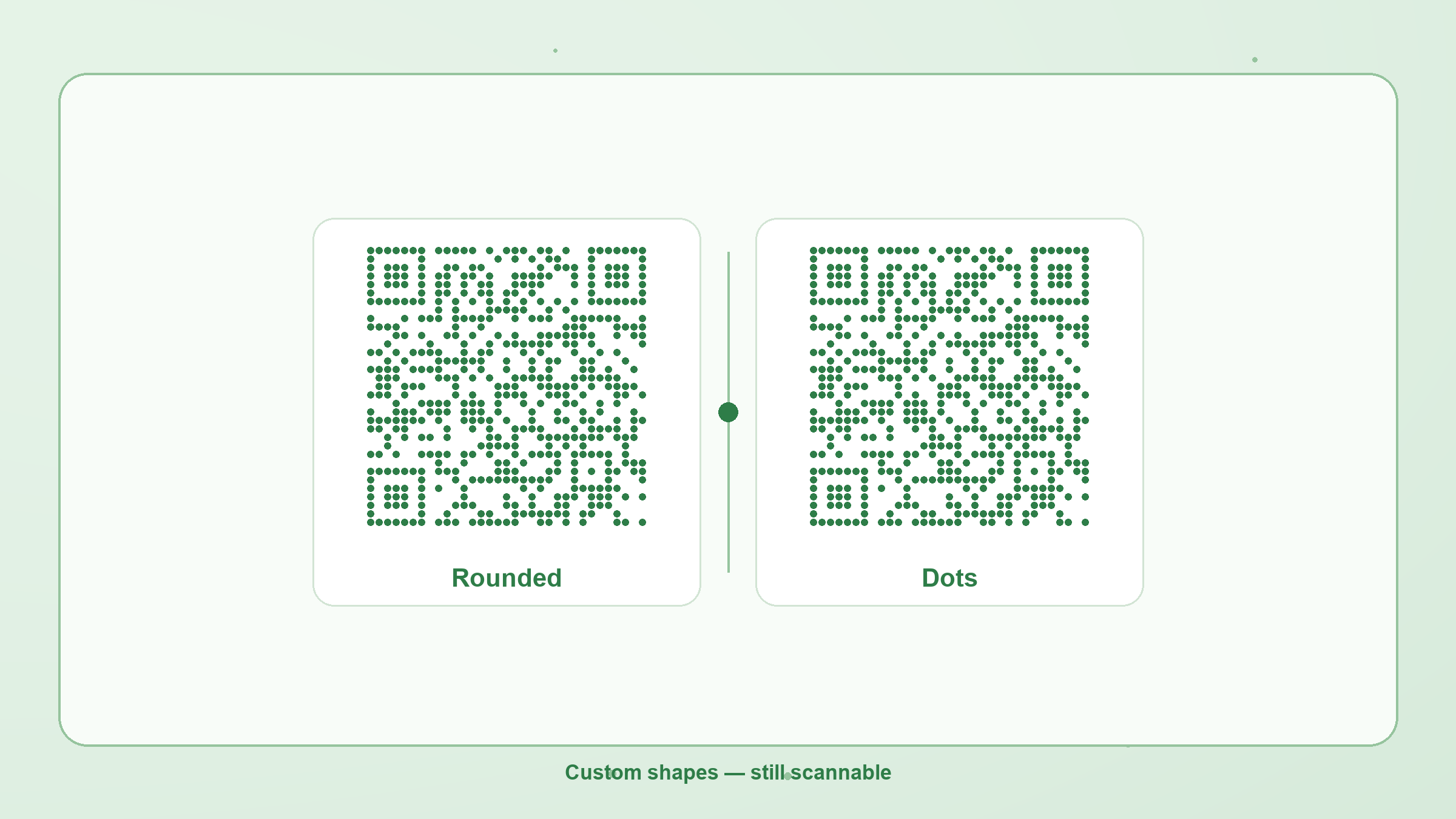
Standard QR codes use square modules. Styled codes change module and finder shapes — dots, rounded squares, bars, leaf-like eyes — and may add a color gradient. The data is unchanged; only the drawing changes.
What you can customize here
- Module shape — square, rounded, dots, diamond, vertical/horizontal bars, leaf
- Eye frame & eye ball — square, rounded, circle, leaf
- Gradient — linear or radial body color; optional gradient on eyes
- Logo — centered mark on PNG export (error correction rises to H)
Scanability rules
- Keep a light background and a darker foreground (high contrast).
- Do not cover finder eyes with a logo; leave quiet space around the code.
- Prefer higher error correction when you add a logo or aggressive shapes.
- Use the on-page scan check before you print a large run.
Create a styled code on the generator, or decode a printed sample with the local reader.