什麼是 quishing(QR 碼釣魚)?
QR 碼可能和可疑連結一樣危險——只是網址藏在圖裡。以下說明 quishing 如何運作,以及如何保護自己。
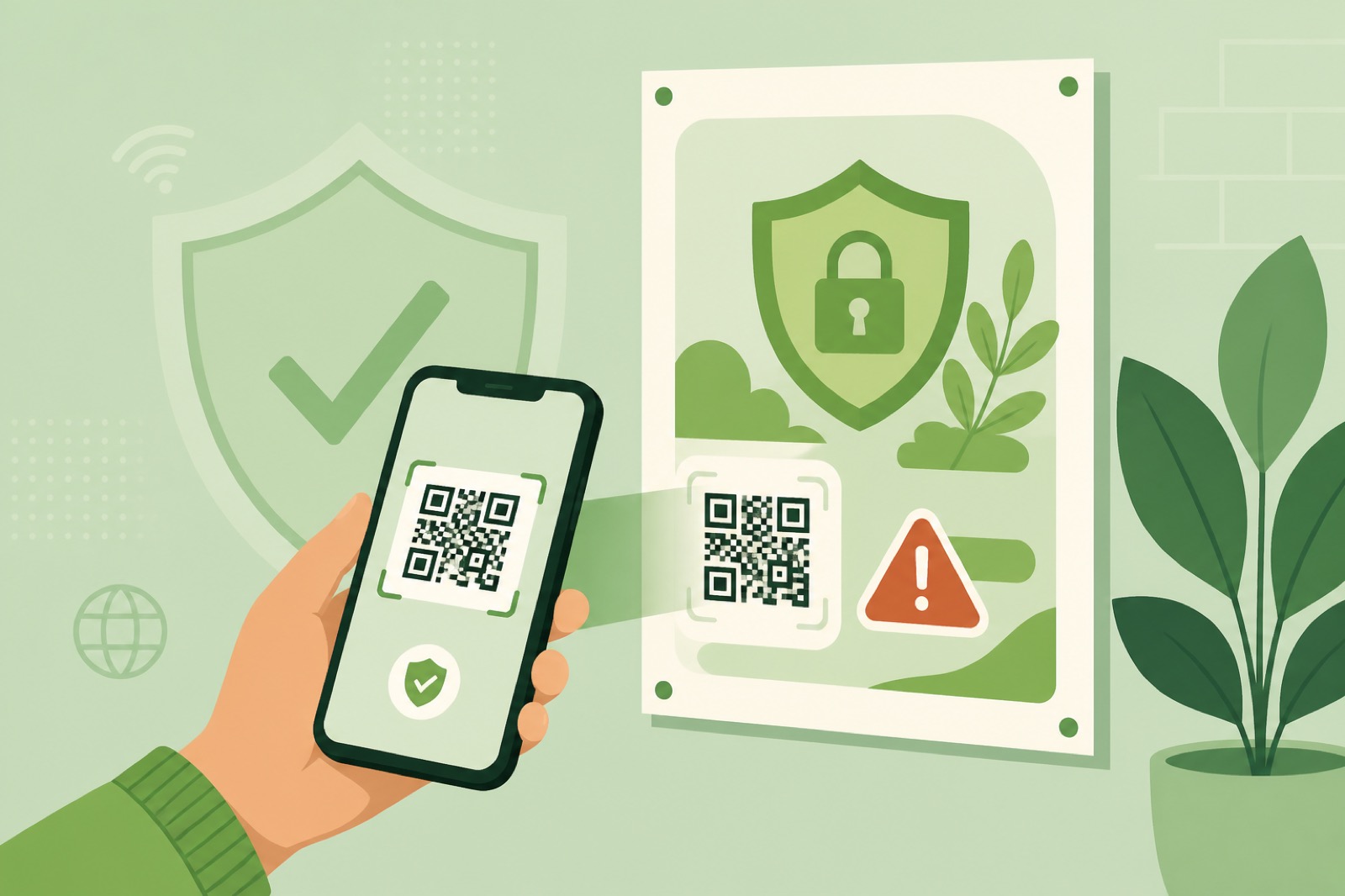
本指南以英文撰寫。上方標題與摘要已本地化。
Scanning a QR code feels as ordinary as tapping a link: menus, parking, badges, invoices. Attackers noticed. Quishing (QR + phishing) hides a malicious destination inside a QR image so victims open a fake login or payment page without ever seeing a blue underlined URL in email.
This guide explains how quishing works, why it slips past some defenses, who gets targeted, and practical habits that reduce your risk—without abandoning QR codes for legitimate uses.
What is quishing?
Quishing is phishing delivered through a QR code image. The payload is still a URL (or similar). The trick is packaging: instead of a visible hyperlink, the destination sits inside modules your camera decodes.
Related family members:
| Name | Channel | Typical bait |
|---|---|---|
| Phishing | Email / web | Clickable text link |
| Smishing | SMS | Text with a link |
| Vishing | Voice call | Social engineering over the phone |
| Quishing | Email images, PDFs, stickers | QR that opens a hostile page |
Two common delivery patterns show up again and again:
- Inbox lures — a QR embedded in an email body or PDF “invoice” that asks you to scan with your phone.
- Physical overlays — a sticker pasted over a real parking, menu, or lobby code.
How a typical attack unfolds
- Attacker encodes a hostile URL into a QR image.
- They place the image in email, a PDF, or on a sticker.
- Text-centric mail filters may not extract the URL from the image pixels.
- The victim scans with a personal phone (often outside corporate web filters).
- The phone browser opens a lookalike login or payment page.
- Credentials, cards, or malware drop follow.
The dangerous handoff is often laptop → personal phone. The email lands on a managed device; the scan happens on an unmanaged one.
Why traditional filters struggle
- Images hide URLs — many gateways still prioritize visible links and domains in text.
- PDFs add another layer — codes inside attachments get less casual scrutiny.
- Device pivot — mobile browsers may sit outside VPN, CASB, or secure web gateway policies.
Industry reports in recent years have described sharp growth in QR-bearing phishing mail and a strong bias toward credential theft. Exact percentages change by vendor and year—treat the trend as real even if a single statistic ages.
Who is in the blast radius?
- Executives and finance staff who approve payments
- Anyone who habitually scans codes on parking meters, posters, and table tents
- Employees trained to “verify MFA” by scanning whatever lands in their inbox
How to protect yourself
- Preview before you open. Decode the image and read the domain. On a computer, use Make a QR Decode so you can see the string first.
- Be suspicious of “scan to verify your account” emails you did not expect—especially with urgency and threats.
- Check physical codes for sticky overlays, mismatched print, or codes that sit oddly on top of older artwork.
- Prefer typed bookmarks for banks and admin consoles instead of scanning a code from a cold email.
- Never upload authenticator enrollment QRs to random websites; those images can contain account secrets.
- Use phishing-resistant MFA where your organization offers it (security keys / passkeys beat SMS codes).
Creating codes without training bad habits
If you publish QR codes for a business, make the destination obvious in nearby text (“Official Wi‑Fi for Lobby Guests — make-a-qr.com sample”), keep HTTPS on pages you control, and avoid surprising people with login walls they did not expect. Generate static codes on Create when the URL is final, test with Decode, and print with high contrast.
FAQ
Are QR codes unsafe?
The pattern is just data. Risk comes from hostile destinations and social engineering—the same as links, with worse visibility.
Can I tell a bad QR by looking?
Not reliably. Always reveal the URL first. Sticker overlays and brand impersonation are easier to spot than a well-made fake image in email.
What should companies do?
Train staff on quishing, restrict who can request “scan to reset” flows, improve mail filtering that inspects images where possible, and give people a safe decode path that shows the URL before navigation.